

How to Remove or Make Gemini Logo Invisible in Images
Google Gemini is one of the most popular AI image generation tools right now. However, all images it generates include a visible Gemini logo or watermark, usually in the bottom right corner.
Google Gemini is one of the most popular AI image generation tools right now. However, all images it generates include a visible Gemini logo or watermark, usually in the bottom right corner.
If you want to use these images more cleanly (for social media, blogs, portfolios, or personal projects), we'll show you the easiest and fastest way to remove or make the Gemini logo invisible.
Why Remove the Gemini Logo?
- Give your images a more professional appearance
- Avoid distractions in the design
- Use images in publications or work where you don't want to show the brand
- Maintain full creative control over your AI-generated content
The Simplest Way: Use a Free Online Tool
The fastest way to remove the Gemini logo is by using a specialized tool like gemini-watermark-remover.net.
This tool uses artificial intelligence to automatically detect and remove the Gemini logo while maintaining the quality and details of the original image.
Step-by-Step Guide
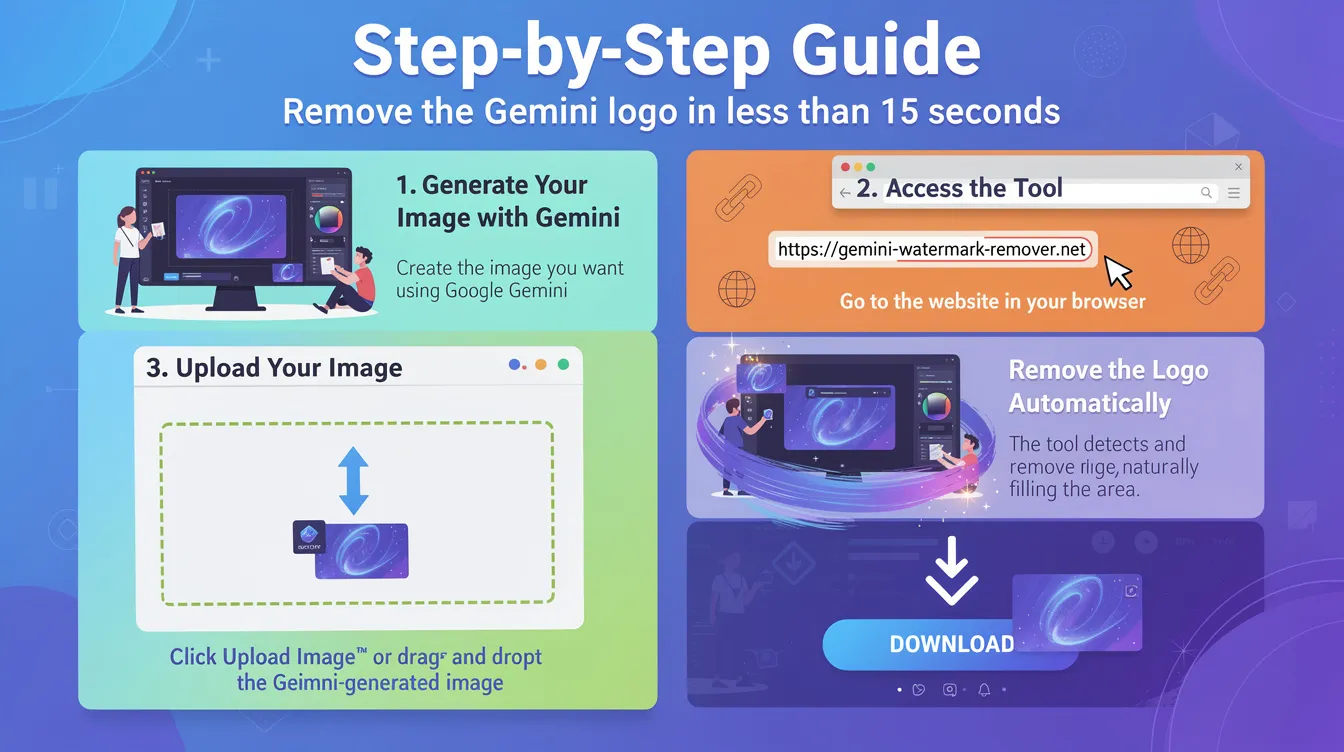
1. Generate Your Image with Gemini
Create the image you want using Google Gemini.
2. Access the Tool
Go to https://https://gemini-watermark-remover.net/
3. Upload Your Image
Click 'Upload Image' or simply drag and drop the Gemini-generated image.
4. Remove the Logo Automatically
The tool will intelligently detect and remove the Gemini logo, naturally filling in the affected area.
5. Download the Clean Image
Review the result and click Download to save the logo-free image.
Done! In less than 15 seconds you'll have removed the Gemini logo.
Advantages of Our Tool
- Completely Free and No Registration — No need to create an account or pay anything
- Automatic AI Removal — Advanced artificial intelligence technology
- Maintains High Quality and Original Details — No loss of resolution or quality
- Works with All Style Types — Realistic, anime, digital art, etc.
- Compatible with Mobile and Desktop — Works on any device
- Fast and Secure — Doesn't save your images on our servers
Tips for Better Results
- Use high-resolution images for better results
- The Gemini logo is usually in the corner, where the tool works best
- Avoid images with very complex backgrounds if you're looking for perfect results
Important Note
This tool is intended for personal use of images generated by you. Always respect Google's terms of service.
Ready to Make the Gemini Logo Invisible?
Remove the Gemini logo from your images in seconds and get professional results.
Have questions about how to remove or make the Gemini logo invisible? Leave your questions in the comments.